
Siri AI can now act inside any third-party app, starting with a developer preview
iOS 27.3 opens personal context, natural language and on-screen awareness to all apps, plus "app skills" that chain several steps into one request.
 DevIsDead Newsroom
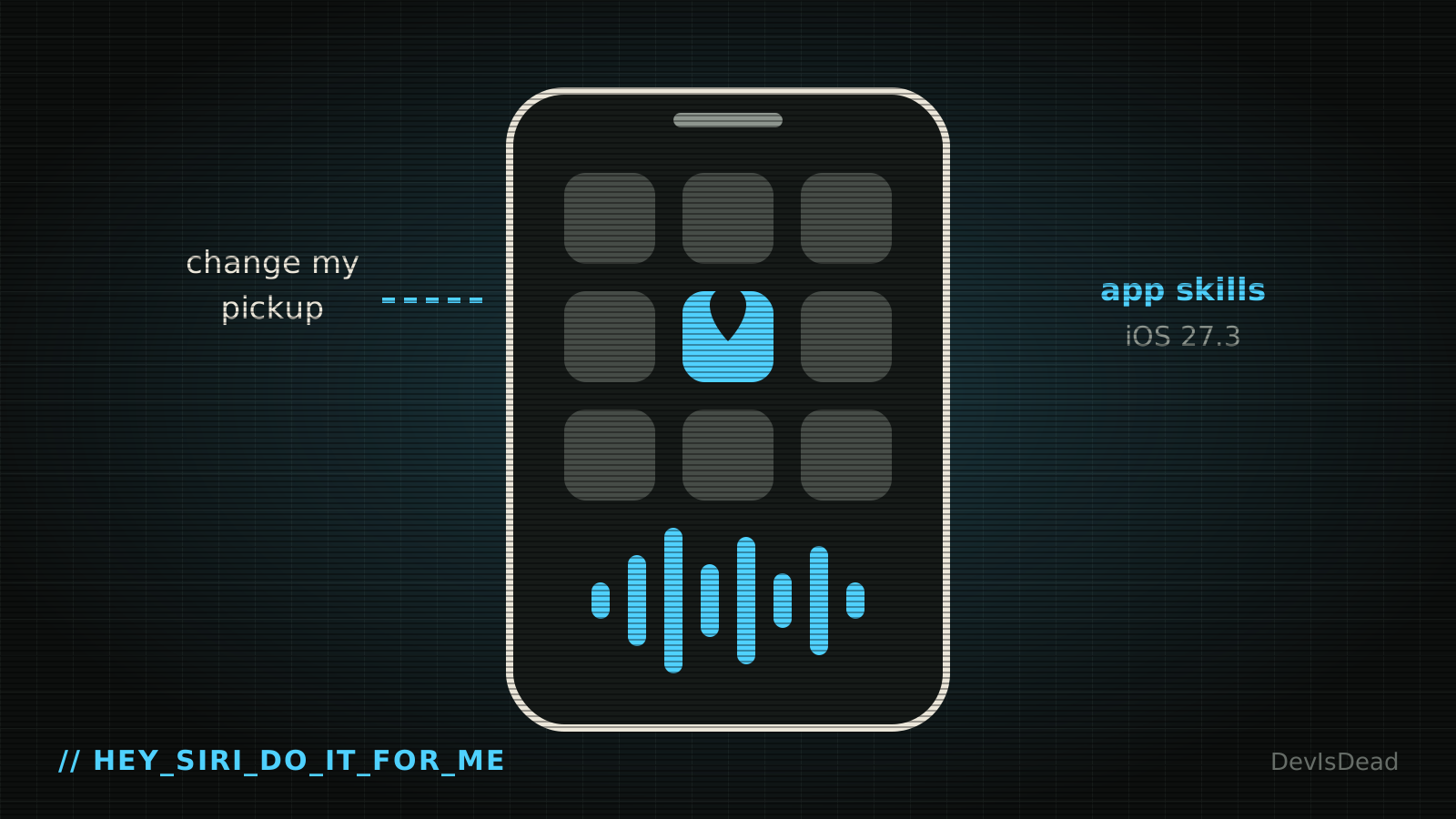
Apple has opened Siri AI to every app. With the iOS 27.3 update that started rolling out Tuesday, developers can wire Siri AI's new features into "all apps," so the assistant can use a person's personal context, understand plain-language requests and see what's on screen to get things done, Emma Roth reports for The Verge. Until now, third-party developers had access to only a smaller set of these features, as 9to5Mac noted.
What actually shipped
It arrives as a developer preview, not a finished consumer feature. Two pieces matter:
- App skills: developers can bundle several tasks into one action that Siri runs as a single request.
- No app name needed: according to Apple's developer documentation, users don't have to name the app while it's in the foreground, while it's showing a Live Activity, or during a conversation with Siri AI about it.
Apple's own example: you book a ride, watch the Live Activity while you wait, then just tell Siri to move the pickup to another address. No app name, no tapping around.
Apple is also bringing the expanded Siri to its own apps, including Calendar, Files, Finder, Mail, Maps, Messages, Notes, Photos, Reminders, Safari and Shortcuts. Its examples include finding a coffee shop you went to last week, or archiving files nobody has opened in a year. People can ask Siri AI what it can do inside each app.
Why developers should care
This changes what "the interface" of an iOS app is. If users can get things done without opening your screens, the action surface you expose to Siri becomes a product in its own right, and probably the first thing a user meets. Apps with clean, well-named actions will feel smart. Apps that expose a couple of half-finished intents will feel broken next to them, even if their UI is great.
It also gives agents something they've been short of on phones: a sanctioned way to operate apps, instead of clicking through screens the way computer-use models do on desktops. Apple sets the rules, and developers decide what Siri is allowed to touch.
What to watch
How Apple handles permissions and mistakes. An assistant that can change a pickup address can also change it wrong, so expect confirmation steps and limits around money and messages. Developers should design their skills with an undo in mind.
Scoreboard update: AI +1. Siri gets the run of every app that signs up, and users may stop opening them at all.
Stay undead.
Comments 0